Design, deploy, and monitor business processes without writing code. The Workflow Automation module gives operations teams a visual canvas to build workflows, automate routing, enforce SLAs, and measure performance — from simple approvals to multi-team parallel processes.
Visual process design
The drag-and-drop canvas lets any operations manager build and modify workflows without developer involvement. Connect nodes, configure properties in a side panel, and publish — the engine handles execution automatically.
Start, Step, Decision (branching), Fork (parallel split), Join (merge), Assign (person routing), Checklist, Timer, and End — covering every process pattern from linear approvals to parallel multi-team execution.
Drag fields (text, select, date, checkbox, file) onto any Step node to collect structured data at each stage. Field values are captured to the interaction log — no separate form tool required.
Define condition/action rules that Decision nodes evaluate at runtime — no code, no scripts. Branching logic configured in a table editor and applied automatically to every instance.
Pause a workflow for a configured number of minutes then advance automatically. Set an optional escalation path — if the timer expires without action, the instance routes to a fallback node.
Intelligent routing and SLA enforcement
Assign nodes route automatically to the best-matched available person based on defined skills — or round-robin across a team. Delegation chains re-assign tasks when the primary owner is unavailable.
Configurable response and resolution targets per task type and priority. The SLA monitor evaluates every open instance and escalates on breach — email to assignee and their manager.
Every instance has a real-time activity log. Team members post comments and @mention colleagues — mentions trigger immediate email notification. Feed updates every 30 seconds without page reload.
Register webhook URLs per workflow — fired on instance start, step complete, and close. Signed JSON payloads delivered with automatic exponential-backoff retry on failure.
Process analytics and BPMN interoperability
Per-node heat bars show average time spent at each step. Path frequency analysis ranks the most common routes through a workflow. Median cycle time and SLA breach rate tracked per template.
Export any workflow as a standards-compliant BPMN 2.0 XML file — opens correctly in Camunda, Bizagi, and draw.io. Import .bpmn files from any external tool and continue editing on the canvas.
Describe a process in plain English. The AI generates a complete workflow definition — nodes, edges, and layout — and opens it in the canvas editor for review. A starting point in seconds, not hours.
Step through any workflow in the browser before deploying it — active node highlighted, visited nodes marked, decision branches chosen interactively. No test instances created, no data written.
See it handling your processes
We configure a demonstration around your specific workflows — not a generic feature tour.
Live deployment — WhereWeLearn.com
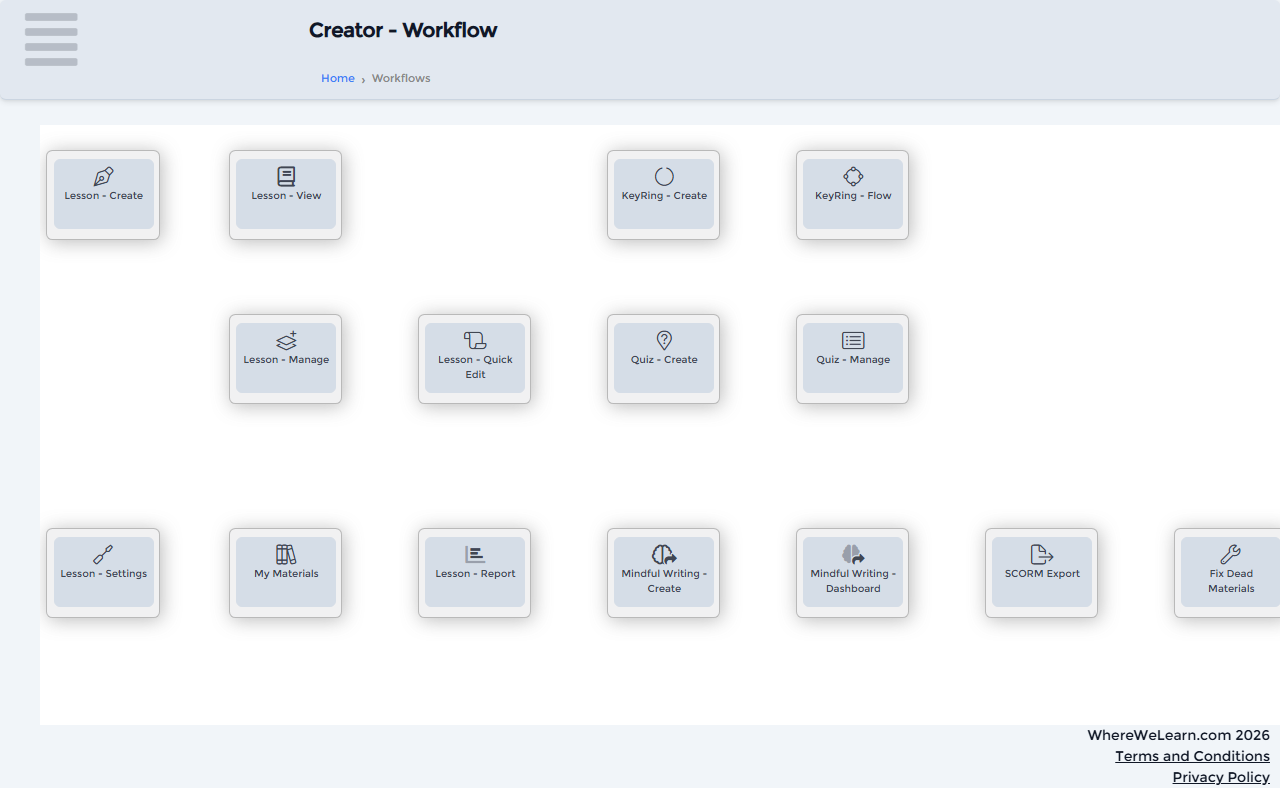
Creator workflow canvas — 14 configurable action tiles, role-filtered per user type